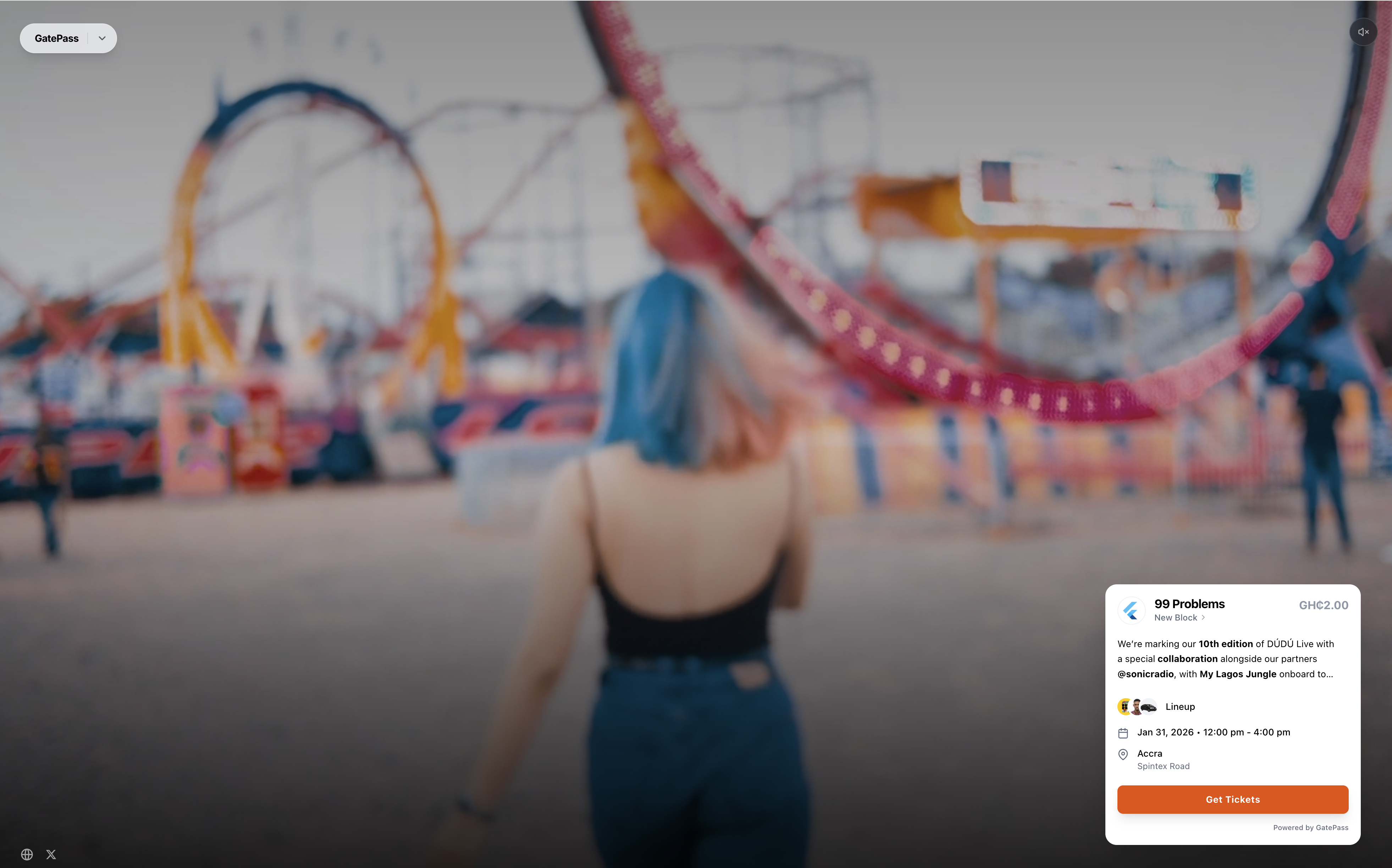
“This event ticketing page feels remarkably similar to the one we visited the other day.”
It’s a comment we’ve heard more than once. And while it may sound harmless, it points to something important.
No two independent events are truly the same. Even when they share a similar format, each event carries its own atmosphere, energy, and distinct vibe. This is why many event organisers care deeply about presentation. They want their event to feel intentional and reflective of the experience they’re creating.
As a result, it’s not uncommon for organisers to build dedicated promotional websites. These sites help set the tone, tell the story, and create anticipation long before the doors open. Over time, we began receiving requests from GatePass organisers who wanted their ticketing experience to live naturally within these custom environments, rather than feeling like a separate or generic destination.
The problem was clear. The challenge was solving it without compromising GatePass’s core principles or our existing infrastructure.
I’ve previously written about our design approach and product philosophy at GatePass. Guided by those principles, we explored a solution that would preserve the reliability and simplicity of our purchase flow while giving organisers more freedom over presentation. The outcome is our new Embeddable Ticketing Widget.
The idea is straightforward: allow the GatePass ticket pane to function exactly as it does on our platform, but make it portable. Organisers can now embed this widget directly into any website of their choosing, whether it’s a custom-built landing page or a simple promotional site.
<iframe
  src="https://gatepass.so/embed/99-problems"
  width="100%"
  height="600"
  frameborder="0"
  style="border-radius: 12px; border: 1px solid #eee; overflow: hidden;"
></iframe>
You’ll find this feature in the organiser dashboard under:
Events → [Specific Event] → More → Widget

From there, simply copy the iframe code and paste it into your website. As long as the purchase flow remains intact, everything else around it is yours to design. This makes it easier to create a cohesive event experience without sacrificing functionality.

We also paid close attention to adaptability. Since most modern websites support both light and dark themes, the widget was designed to adjust visually, blending seamlessly with its host environment rather than standing out awkwardly.
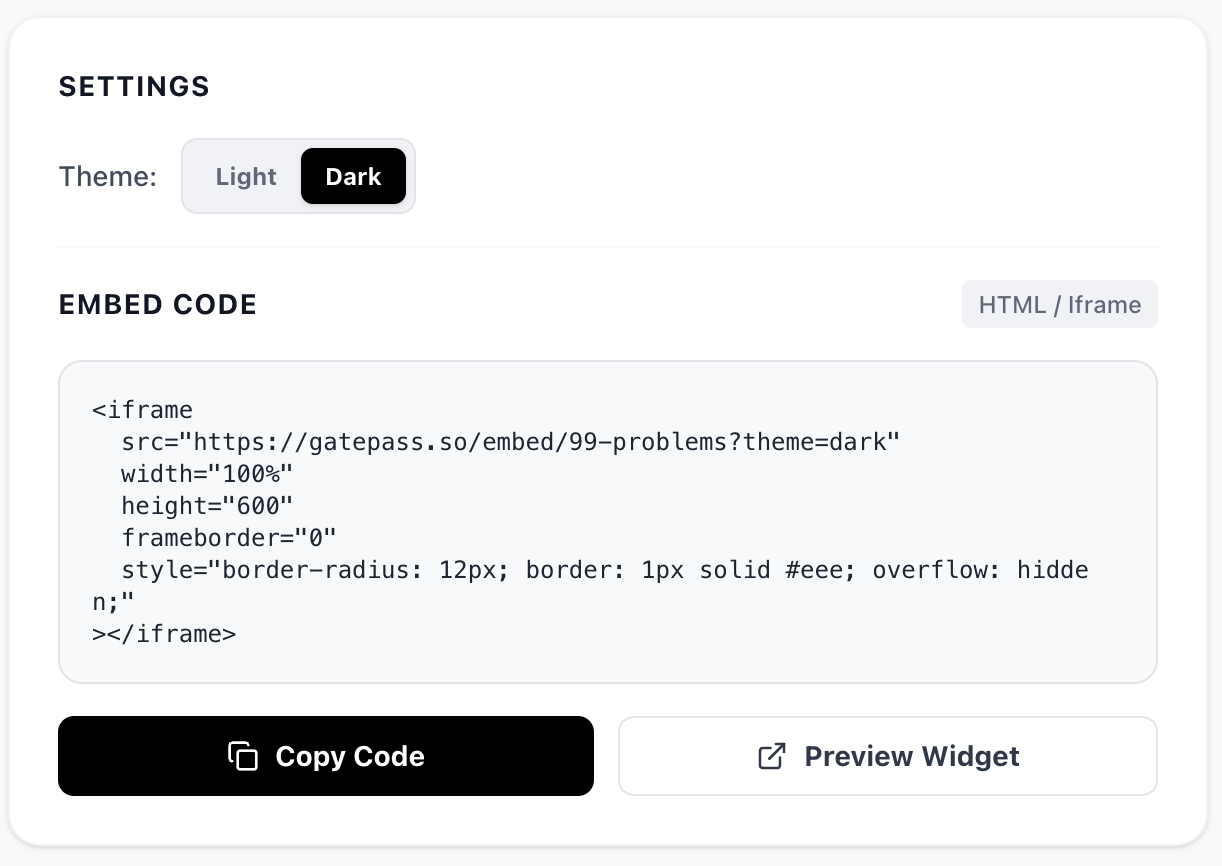


<iframe
        src="https://gatepass.so/embed/99-problems?theme=dark"
        width="100%"
        height="600"
        frameborder="0"
        style="border-radius: 12px; border: 1px solid #eee; overflow: hidden;"
></iframe>
Ultimately, this feature is about empowerment. It gives organisers the flexibility to experiment, express their creativity, and design event experiences that feel authentic to their audience. As with everything we ship, we’ll continue to observe how it’s used in practice and refine it based on what we learn.